Components
Here’s your new site’s suite of editable components: select a component to learn more about how and when to use it most effectively.
Feature
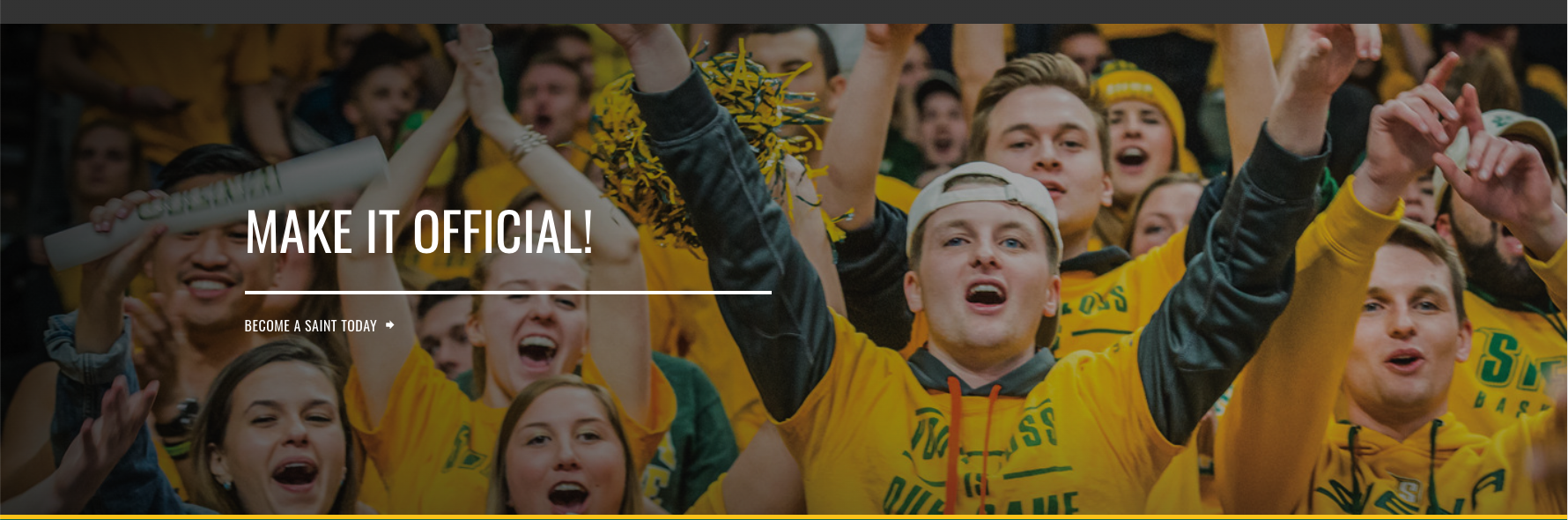
These components are your strongest and boldest, often used in specific circumstances such as your homepage or on landing pages.
Featured News


Full-Width
These components use 100% of your grid horizontally and should be used primarily to make a strong impression in cases you don’t need sub-navigation.


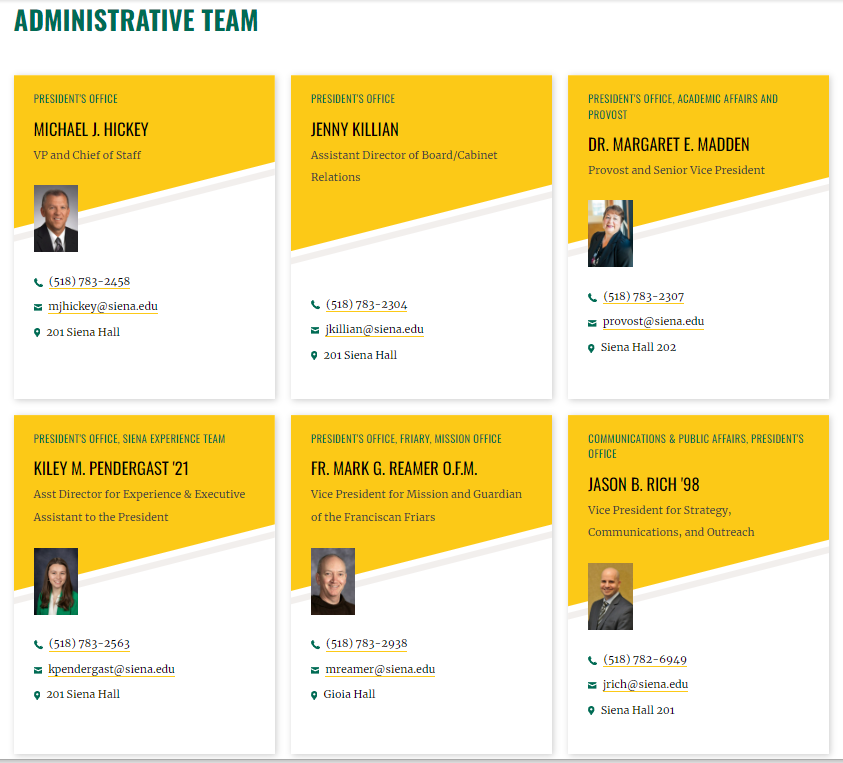
Contact Information

Announcement

Directory Listing with Filters

News Listing with Filters

Faculty Listing or Staff listing
Resource Listing with Filters

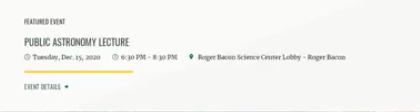
Featured Event
Media Gallery

Scholarship Listing

Related News

Topic Row

Program Finder (Component)


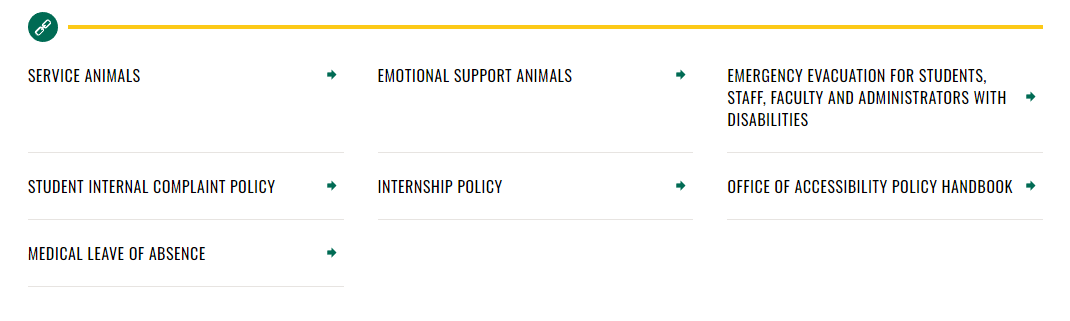
Link List
Related Program

In-Content
These components are paired with WYSIWYG content and provide emphasis higher up on the page.
